New Enscape 4.22, new exciting AI features - try it out and get 500 free Chaos credits

What’s New in Enscape Collection

Explore the latest version.

Enscape 4.22 is out now!

Shortens the path from inspiration to 3D, makes AI part of your everyday workflow, and connects your output directly to review and client communication.

Create. Assist. Share.

Turn what inspires you into 3D

Move faster from a visual reference to the 3D assets you need. Less time searching, downloading, or manually modelling individual assets.
Find the right 3D asset faster

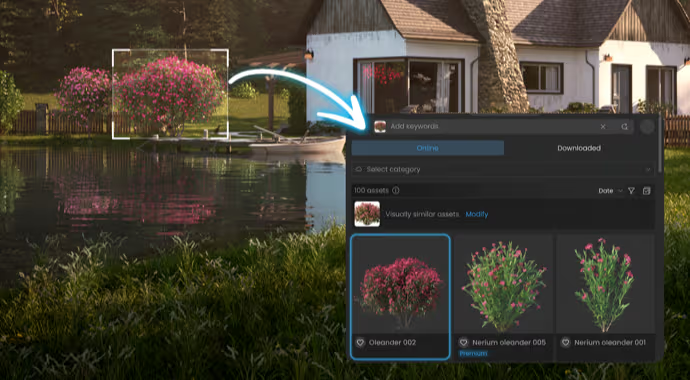
Image-Based Search allows searching the built-in Enscape library with a reference image. Supercharge your design workflow by searching for visually similar assets without relying only on keywords.
Expand your scenes with more than 1500 new high-quality assets and content, giving you more options to bring designs to life.
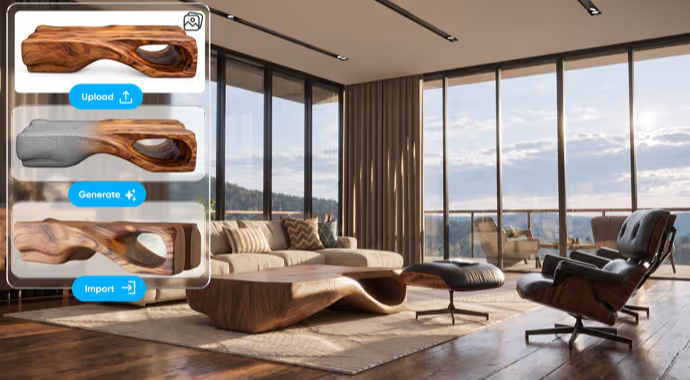
Turn images into 3D assets

Use 3D Model Generation (Beta) to create custom 3D assets with AI when the right object isn’t available in the built-in Enscape library.
This feature is in Beta and will not consume Chaos Credits, so take advantage of testing it.

Model 3D effortlessly with Astra

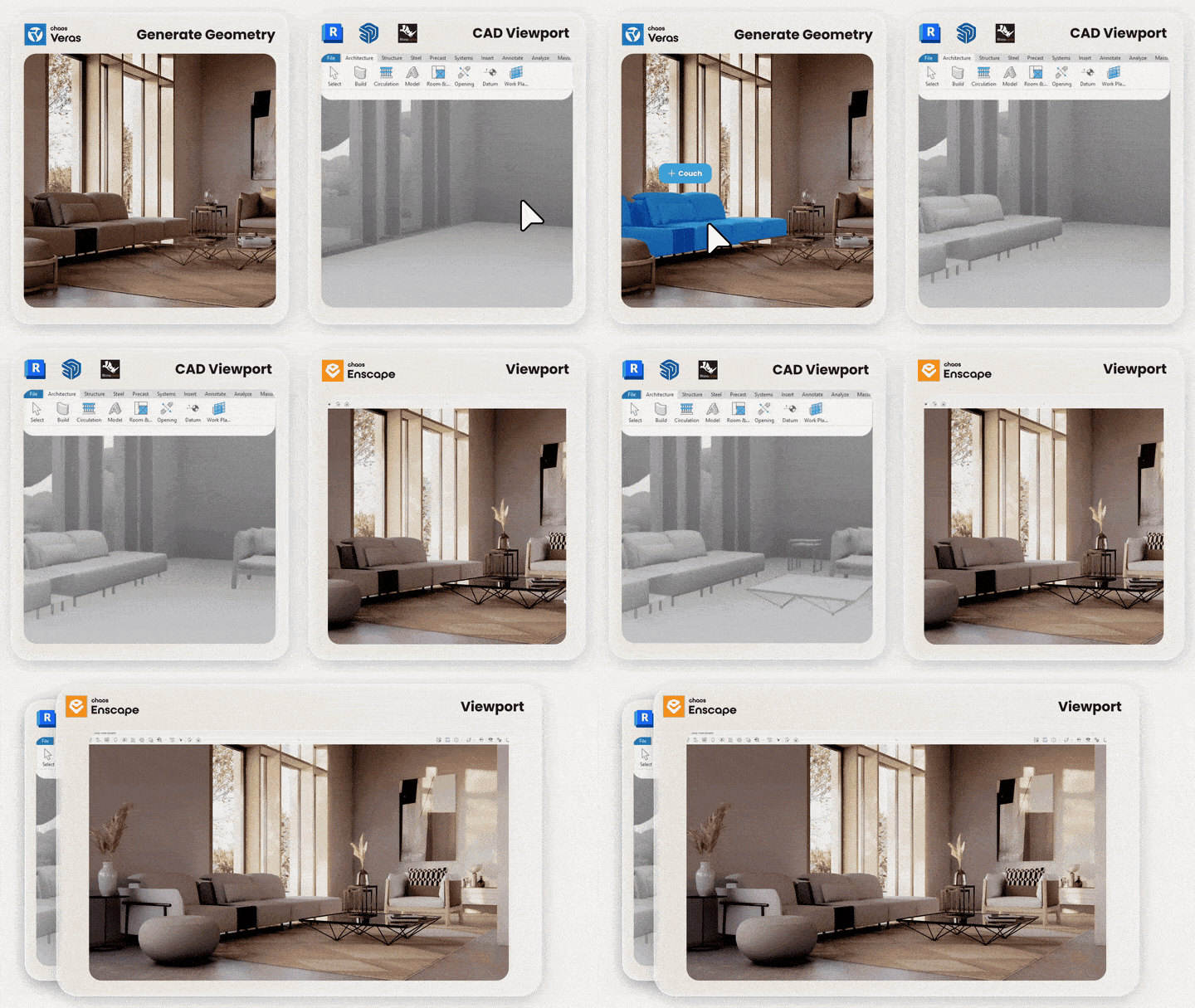
GPT-6 Astra is now part of Veras. It takes an image, sketch, text, or floor plan - you name it - and turns it into a complete, editable 3D scene, natively placed in your design authoring tool. The finished model bakes natively into Revit, Rhino, or SketchUp — editable geometry, materials, and cameras, ready to refine and visualize further with Enscape.

Learn more

AI as a workflow improvement

Less time spent searching for answers or dealing with workflow friction.
In-App Help, in your viewport

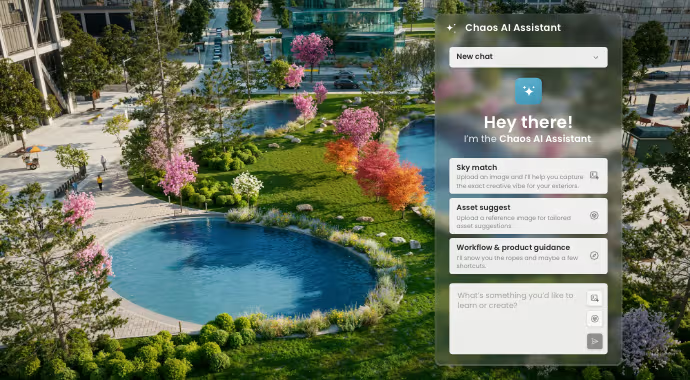
Have a question while designing? Ask the Chaos AI Assistant (Beta) for contextual guidance and support in plain language. Get helpful, sourced answers right inside Enscape or Impact, so you can solve problems, explore features, and keep your work moving.

Perfect natural lighting in one pass

Bring your visual references into Enscape and let the Chaos AI Assistant (Beta) create a matching visual preset. Quickly explore lighting, exposure, and atmosphere inspired by your reference image, then refine and reuse your preferred look across scenes.

Discover relevant assets easily

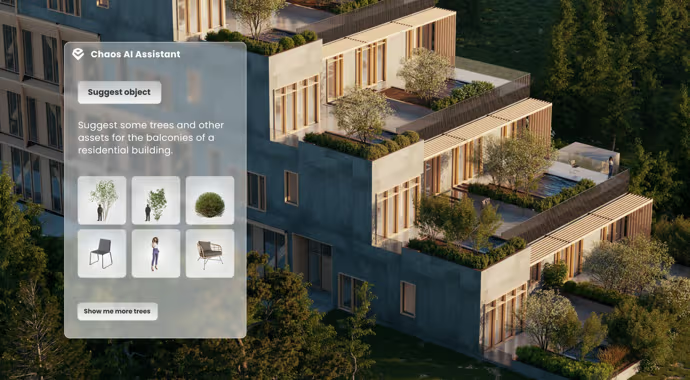
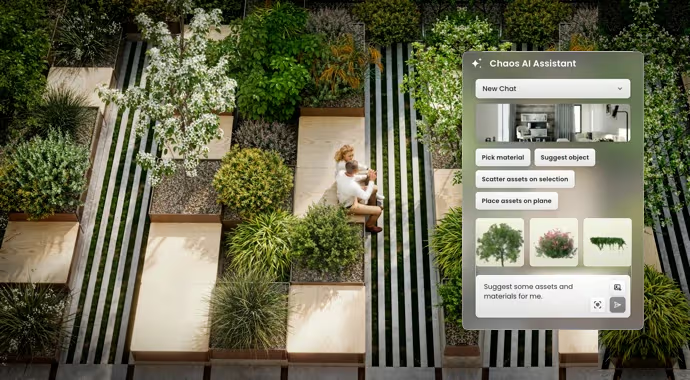
Describe what you're looking for, share a reference image, or let Enscape use your current view for context. The Chaos AI Assistant (Beta) recommends relevant assets from the built-in Enscape library, helping you populate scenes and explore design ideas without relying on endless keyword searches.

Better AI-powered design workflows

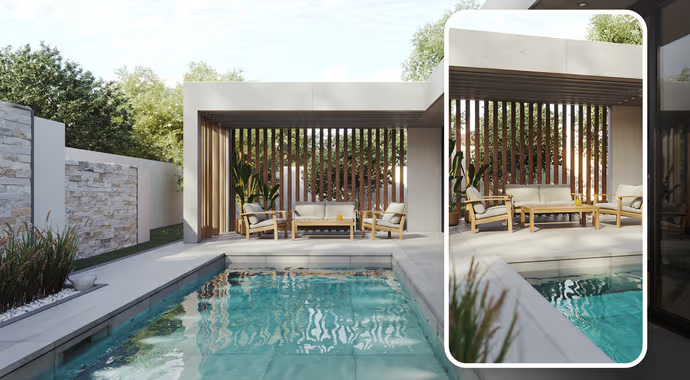
Explore ideas faster with the improved Veras 2.0 integration in Enscape. Refined to match the Enscape interface, Veras makes it easier to bring AI-powered visualization into your design process without opening a separate window.

Animate in minutes, not hours

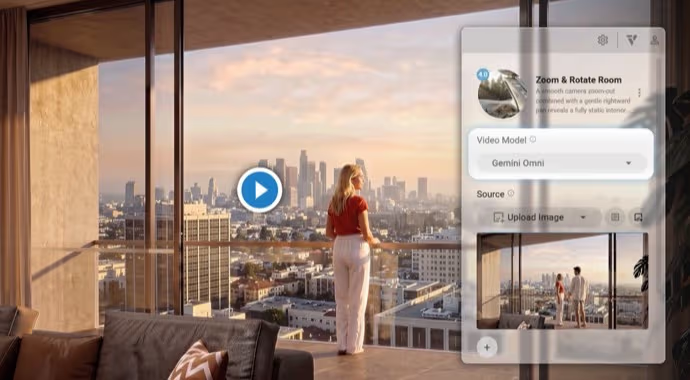
Explore new AI video models in Veras for generating and extending video content with more creative possibilities. Choose between Veo3.1, Gemini Omni, or Grok.

Automate workflows and design faster

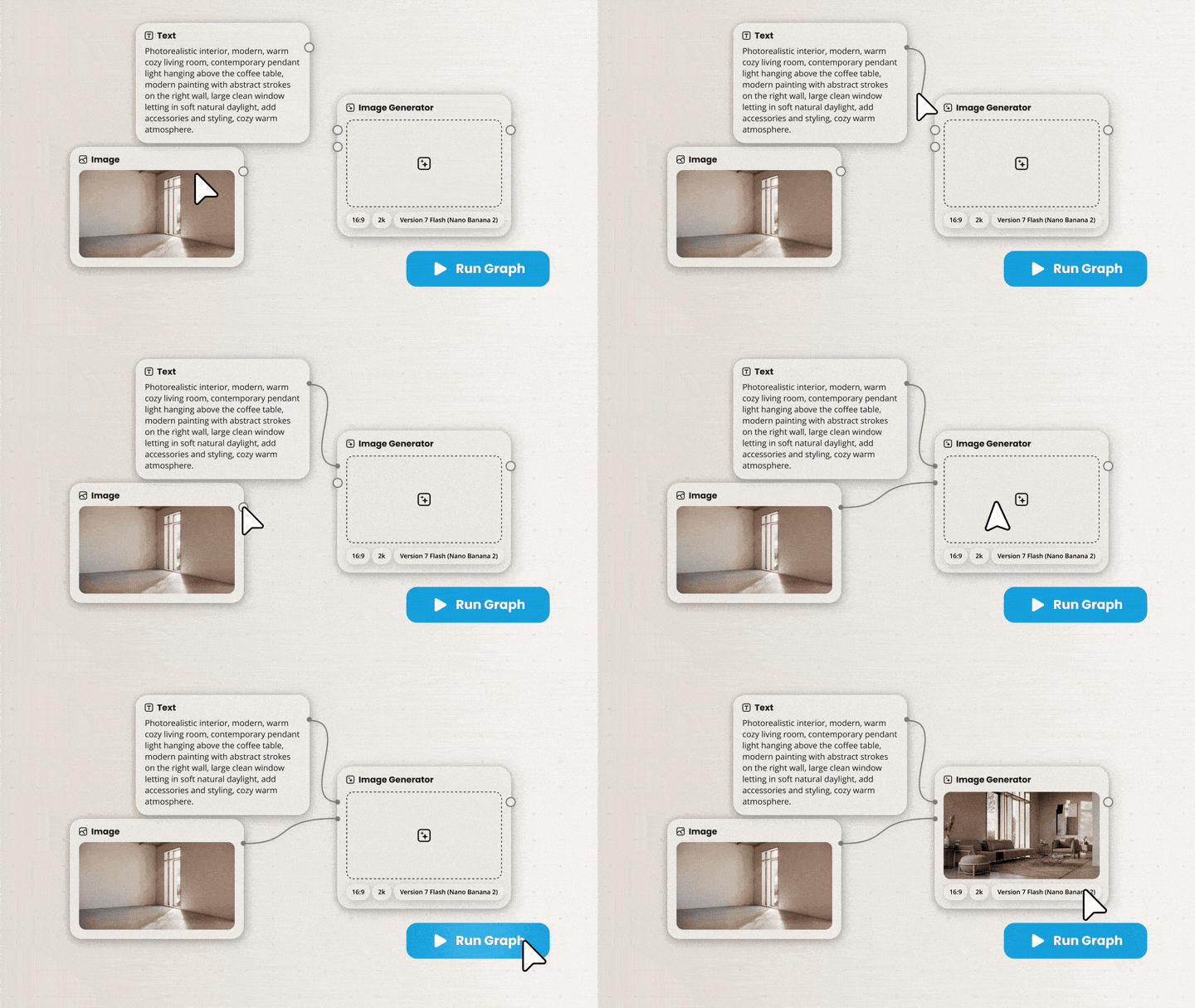
Build and refine repetitive workflows with a node-based editor in Veras that gives you more control over how ideas are generated and developed.

Chaos Cloud collaboration: all in one place

Move more easily from design into review and client communication.
Keep project content in one place

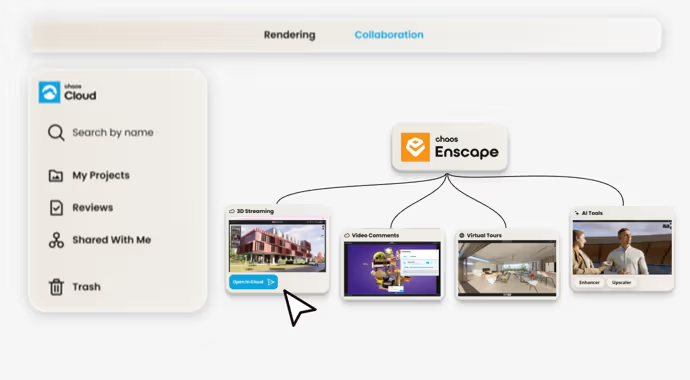
Streamline your workflow with easy upload management in Chaos Cloud, AI enhancements, easy sharing, and PDF support—all in one place. Send panoramas, still images, scenes, and web standalones directly from Enscape to Chaos Cloud with one click. Manage and share your content from one central place, making it easier to collaborate with clients and keep your projects moving.

2D documentation at your fingertips

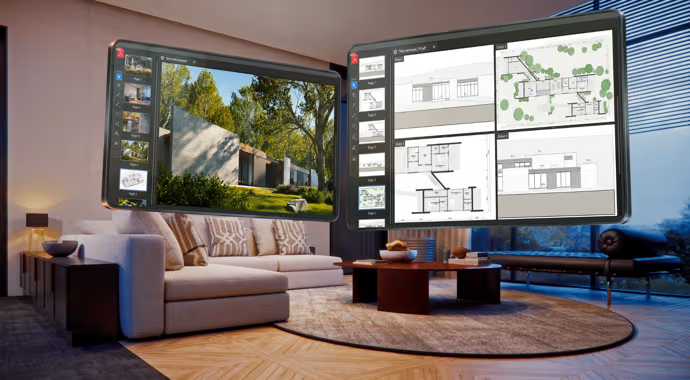
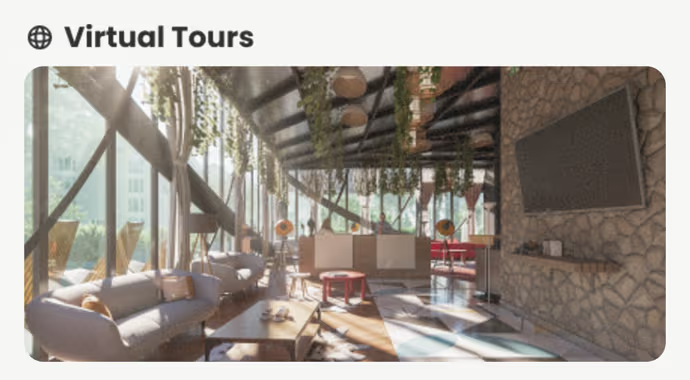
Add plans, drawings, and other PDF documents alongside your renders, panoramas, and virtual tours in Chaos Cloud. Comment and annotate directly on PDFs, discuss details in context, and keep project visuals, documentation and feedback connected.

Recently added in Chaos Cloud

Accessible Cloud-based reviews

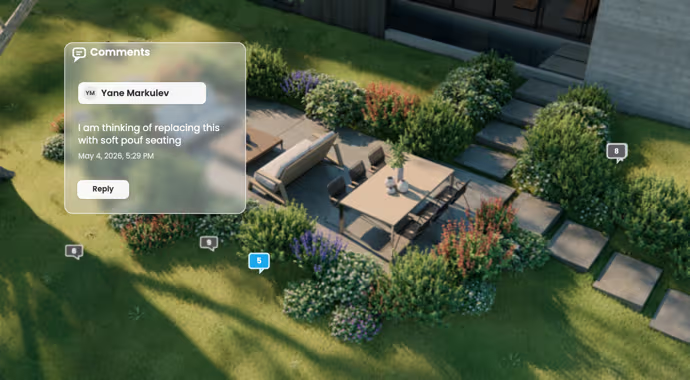
Make design reviews easier, wherever your team is. Share your visualizations through Chaos Cloud and invite clients and colleagues to review your work from any browser. They can explore your designs, add comments and annotations, and provide feedback directly on the visuals. Keep conversations focused, make design decisions easier to track, and move projects forward without endless email exchanges or scattered feedback.

Browser-based 3D exploration

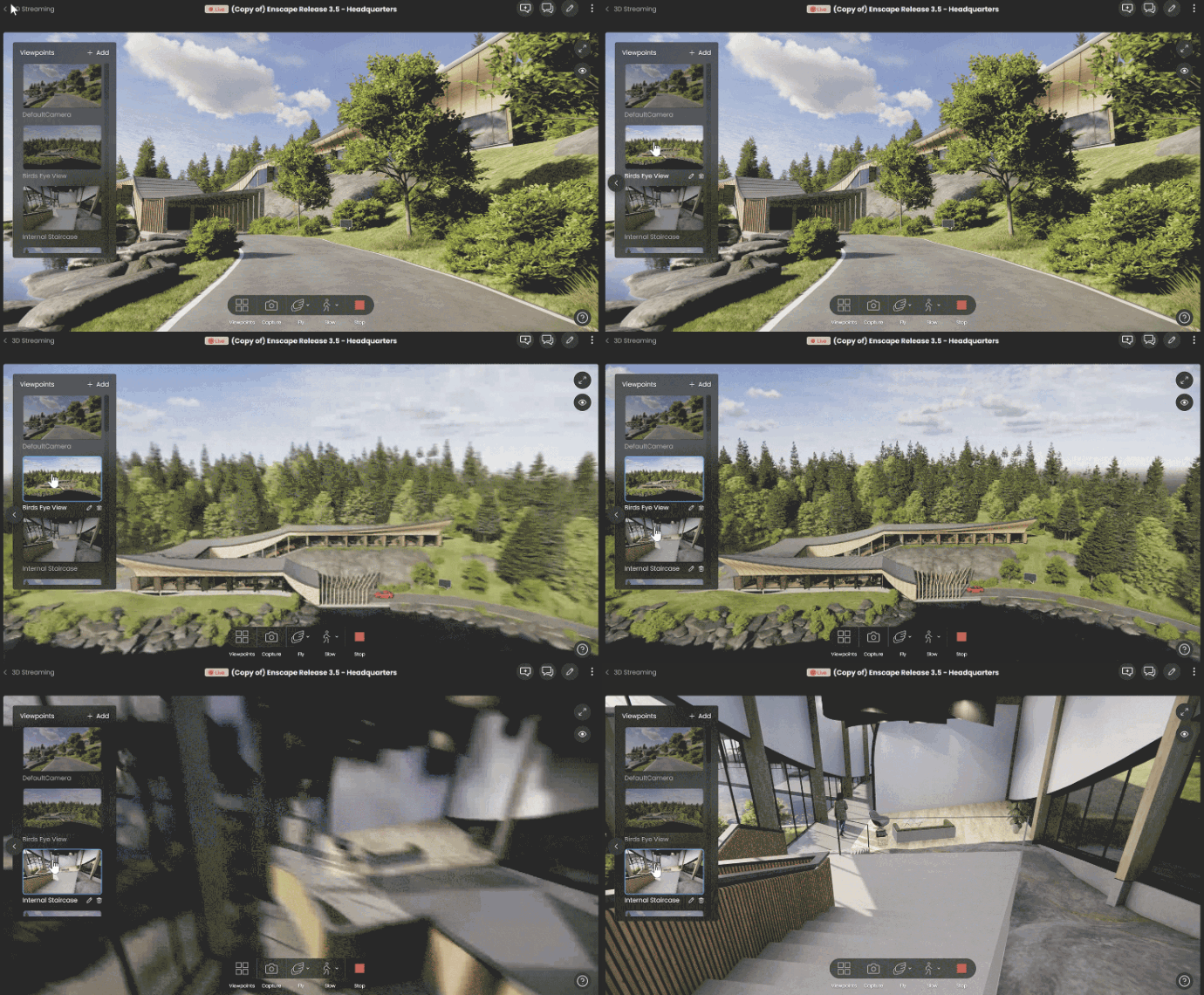
Let clients explore your designs in 3D, from anywhere. Share your 3D scenes through a web browser, with no additional software or powerful hardware required for viewers. Clients and collaborators can navigate the space, examine details from different angles, and get a better feel for the design beyond static images. Make it easier for everyone to understand your vision, even when they can't meet in person.

Help clients see the bigger picture

Go beyond static renders with interactive, browser-based presentations that let clients explore your designs at their own pace. Guide them through spaces, highlight important details, and communicate spatial relationships more clearly. Give stakeholders a more immersive way to experience your ideas, understand your design intent, and make confident decisions.

Enscape Envision: Cinematic, without the learning curve

Turn your Enscape designs into high-end, photorealistic presentations and animations.
Dynamic section tool

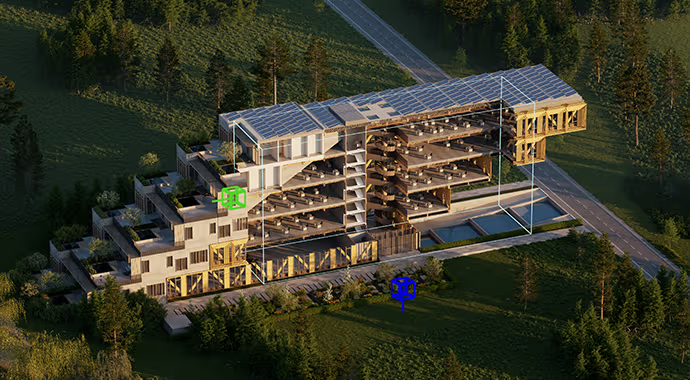
Section your design to show design intent more clearly in Envision. Reveal interior details in real-time without destructive model edits with the Section box. Explore spatial relationships easily, or create animated sectional cuts for presentations and visual storytelling.

Better Asset Scatter & Placement

Skip manual asset searching and tedious vegetation scattering. Use the Chaos AI Assistant (Beta) in Envision to find relevant Cosmos assets and place them intelligently in your scene, while getting practical AI help with lighting, sky matching, materials, and even render feedback.

Veras AI in Envision

Go from visualization to AI-powered ideation without friction. Explore, iterate, enhance, and generate new visuals with Veras while keeping AI connected to your design context.

Envision Easy Mode: Animation made easier

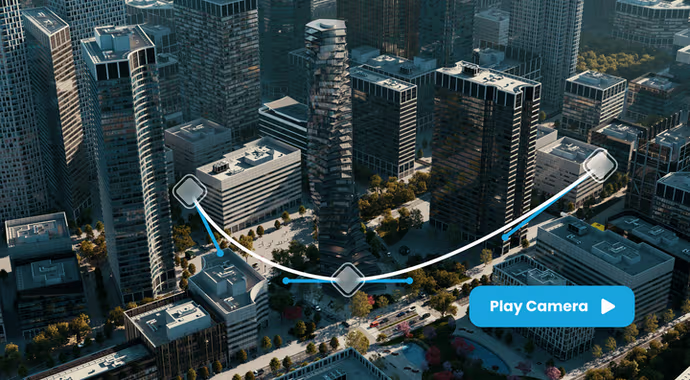
Create animations faster with guided camera viewpoints and a visual camera timeline. Easy Mode simplifies navigation, asset placement, and view capture, so you can get to high-end results in less time.

Limited-Time Offer

Purchase a new Enscape annual license from November 4 to November 15 to receive 500 bonus credits for testing AI features (credits expire after 30 days).
See pricingDownload latest version

Subscribe to our newsletter.

Learn all about the latest news, company updates and recommended content, cherry-picked for you.
© 2026 Chaos Software EOOD. All Rights reserved. Chaos®, V-Ray® and Phoenix FD® are registered trademarks of Chaos Software EOOD in Bulgaria and/or other countries.